
About This Download
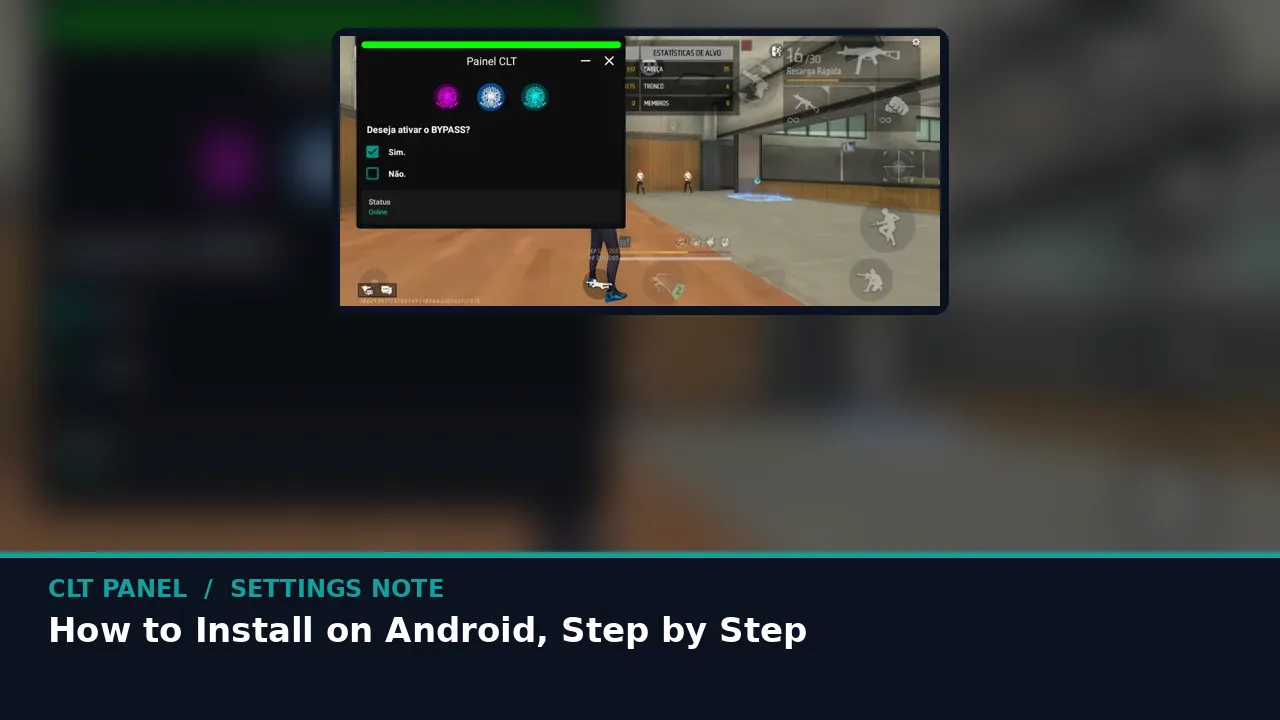
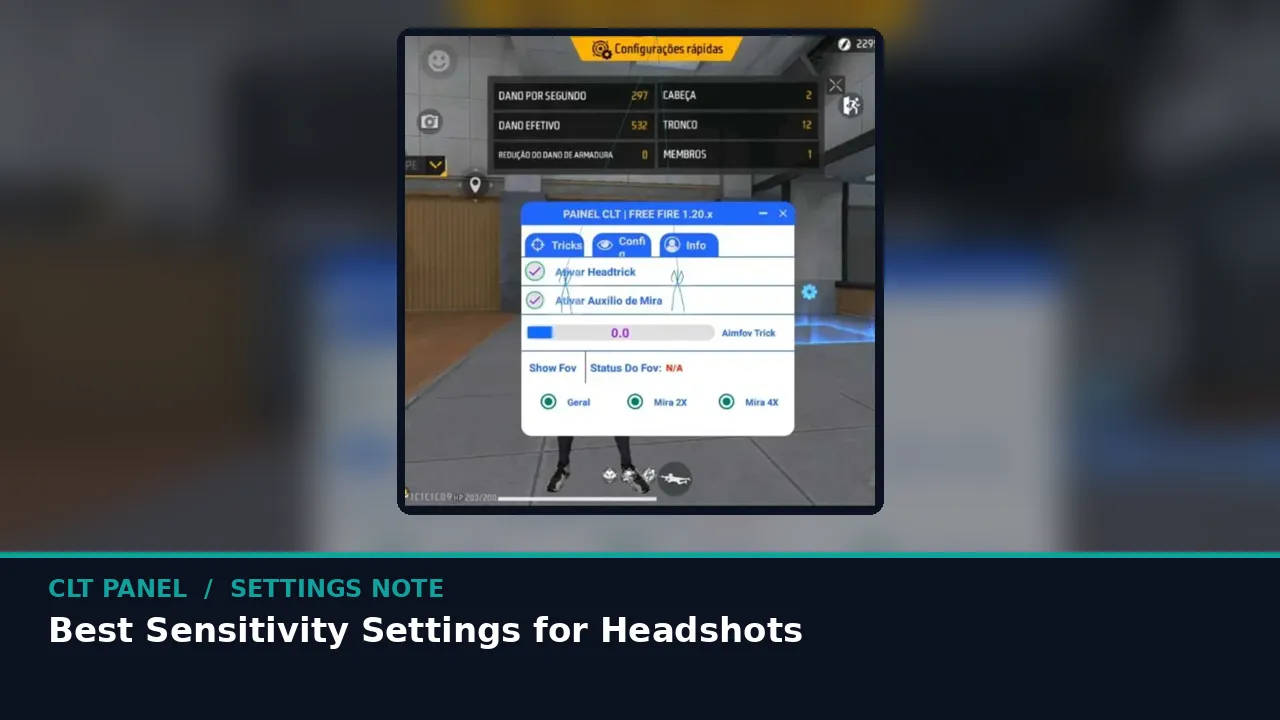
This page carries the CLT Panel APK for Android: the full panel with the sensitivity manager, hardware auto calibration, DPI and resolution switcher, touch calibration, RAM purge and one tap reset. It works with Free Fire and Free Fire MAX and needs no root at any point.
The button stays hidden while the six second countdown runs, so the file never starts by accident. When it appears, one tap is all it takes. If you are fetching on a computer instead, copy the file to your phone afterwards and install it there.
Install From Here
- Wait for the button, then tap it. Let the file finish downloading completely; a partial file is the most common reason an install refuses to start.
- Allow and install. Tap the file and allow your browser to install apps when Android asks. Confirm, and the panel icon lands in your drawer.
- Open, permit, calibrate. Grant the display over other apps permission, run auto calibration for a preset matched to your phone, and launch Free Fire from the panel.
First time with the panel? Spend your first session in the training ground, dragging at the targets at ten, twenty and forty metres. Ten honest minutes there tells you more about your new sensitivity than a week of ranked guessing.